
Documentation / Modules / Orders and assignments
Orders: one-off and recurring
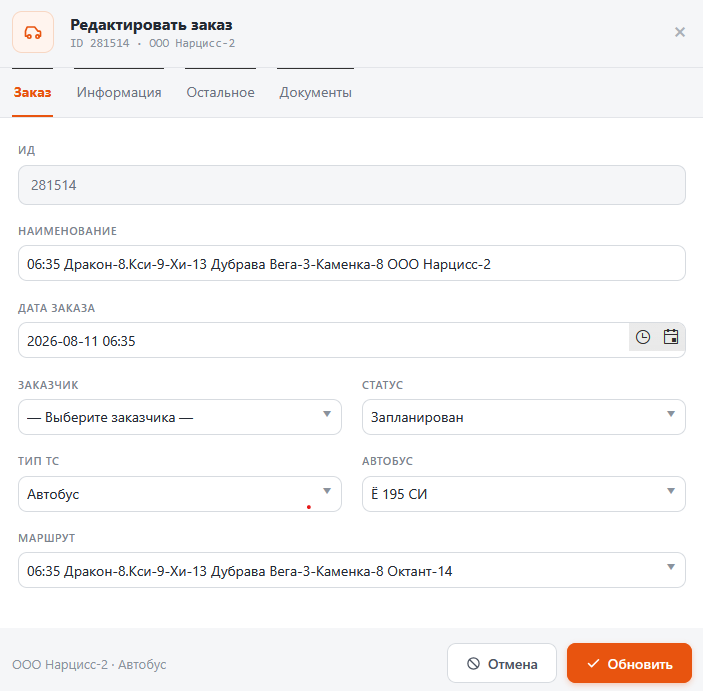
An order is a single trip: customer, route, date and time, vehicle type and passenger count. One-off orders are entered by the dispatcher; recurring ones come from a template with a schedule.
A one-off order
- Open Orders → Current orders.
- Press + Add — the Create order window opens.
- Set the customer, the route, the order date, the departure and the arrival time.
- Set the vehicle type and the planned passenger count. The bus can be assigned right away or left to the scheduling board.
- Save the order — it appears in the list and becomes available for scheduling.
Recurring orders
- Orders → Recurring orders are templates: customer, route, departure time and days of the week.
- A template produces orders for every matching day of the week on its own.
- A template has a validity period: outside its start and end dates no orders are produced.
Tip. An order carries three passenger counts: planned, the one confirmed by the dispatcher, and the one counted by access cards. The gap between them is exactly what there is to discuss with the customer.